
TL;DR
The best PM tools in 2026 fall into 6 categories: roadmapping, analytics, user research, collaboration, documentation, and prototyping. Top PMs use 4–6 tools in their stack. Jira leads for enterprise, Linear for startups, Productboard for roadmapping, Amplitude for analytics, Dovetail for research, and Figma for design collaboration.
Scores shown below are Best PM Jobs editorial ratings based on hands-on use and feature coverage. For live third-party reviews and current verified-user ratings, follow the G2 reviews link on each tool.
Key Takeaways
| Category | Top Pick | Best For |
|---|---|---|
| Roadmapping | Productboard | Teams needing customer feedback → roadmap traceability |
| Backlog / Issue Tracking | Jira (enterprise) / Linear (startups) | Jira for complex orgs; Linear for fast-moving teams |
| Analytics | Amplitude | Product analytics, funnel analysis, and experimentation |
| User Research | Dovetail | Centralizing and synthesizing qualitative research |
| Collaboration & Docs | Notion | PM knowledge base, PRD writing, and team wikis |
| Prototyping & Design | Figma | PM + design collaboration on wireframes and specs |
Roadmapping
Productboard, Aha!, Linear
Analytics
Amplitude, Mixpanel, PostHog
Research
Dovetail, Maze, UserTesting
Collaboration
Notion, Confluence, Coda
Design
Figma, Whimsical, Miro
Project Mgmt
Jira, Linear, Shortcut
PM Tool Landscape Overview
Product managers typically use 8-15 different tools daily. While this can feel overwhelming, each category serves a specific purpose in the product development lifecycle. The right tools amplify your effectiveness; the wrong ones create friction and waste time.
This guide covers tools across key PM functions: roadmapping and prioritization, project and issue tracking, product analytics, user research, documentation, and design collaboration. We'll also explore the emerging category of AI tools that are changing how PMs work.
Remember: tools are means to ends. Start with the simplest tools that meet your needs, and add complexity only when you've outgrown simpler solutions. The best tool is the one your team will actually use consistently.
What to Look For in PM Tools
Before evaluating individual tools, establish your evaluation criteria. The best PM tool is the one your team will actually use — not the one with the most features. Here are the seven criteria that separate tools worth paying for from those that become shelfware:
- 1
Workflow fit
Does it match how your team actually works, or does it require you to change your process to fit the tool?
- 2
Integration depth
Does it connect with your existing stack (Jira, Slack, Figma, your analytics tool)? Shallow integrations create data silos.
- 3
Pricing scalability
Will the per-seat pricing still make sense when your team grows from 3 to 30 PMs? Check enterprise pricing before signing.
- 4
Adoption friction
How long until your team is productive? High-friction tools get abandoned. Prioritize tools where value is visible within the first week.
- 5
AI feature quality
In 2026, every PM tool claims AI features. Evaluate whether the AI saves measurable time (e.g., 30+ minutes per week) or is just marketing.
- 6
Data ownership and security
Where is your product data stored? Can you export it? Enterprise teams need SOC 2, GDPR compliance, and SSO support.
- 7
Community and support quality
An active user community means more templates, integrations, and answers to edge cases. Check the tool's community forum before committing.
Roadmapping & Planning Tools
Roadmapping tools help you plan, prioritize, and communicate product strategy. They range from lightweight (Notion) to enterprise-grade (Aha!).
Best For
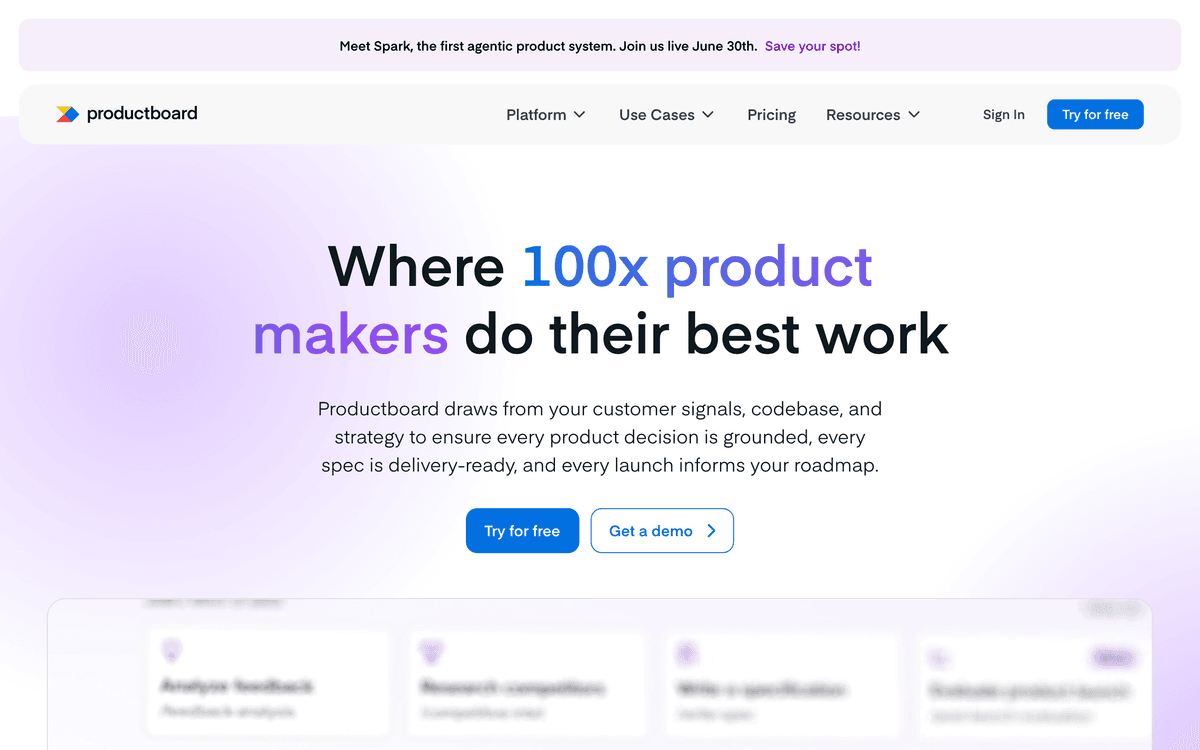
Customer-driven teams, B2B companies
Ideal Company Size
50-5000 employees
Strengths
- +Feedback portal
- +Customer insights integration
- +Beautiful roadmaps
- +Prioritization frameworks
Weaknesses
- -Can be complex
- -Expensive at scale
- -Overkill for small teams
Best For
Enterprise, complex portfolios, regulated industries
Ideal Company Size
200+ employees
Strengths
- +Powerful features
- +Strategy to delivery connection
- +Idea management
- +Enterprise security
Weaknesses
- -Steep learning curve
- -Can feel heavy
- -Expensive
Best For
Engineering-led teams, startups, fast-moving teams
Ideal Company Size
10-500 employees
Strengths
- +Beautiful UX
- +Incredibly fast
- +Keyboard-first
- +Engineering-friendly
Weaknesses
- -Roadmap features less robust
- -Limited customer feedback
- -Less enterprise features
Best For
Small teams, flexible needs, startups
Ideal Company Size
1-200 employees
Strengths
- +Extremely flexible
- +Great documentation
- +Affordable
- +All-in-one potential
Weaknesses
- -Requires setup
- -Not purpose-built
- -Can get messy at scale
Best For
Data-driven prioritization, mid-size companies
Ideal Company Size
20-500 employees
Strengths
- +Flexible prioritization
- +Clean interface
- +Good integrations
- +Modular approach
Weaknesses
- -Less brand recognition
- -Smaller ecosystem
- -Some features still developing
Project Management Tools
Issue tracking and project management tools are where day-to-day execution happens. These tools bridge planning and delivery.
| Tool | Pricing | Best For | Rating |
|---|---|---|---|
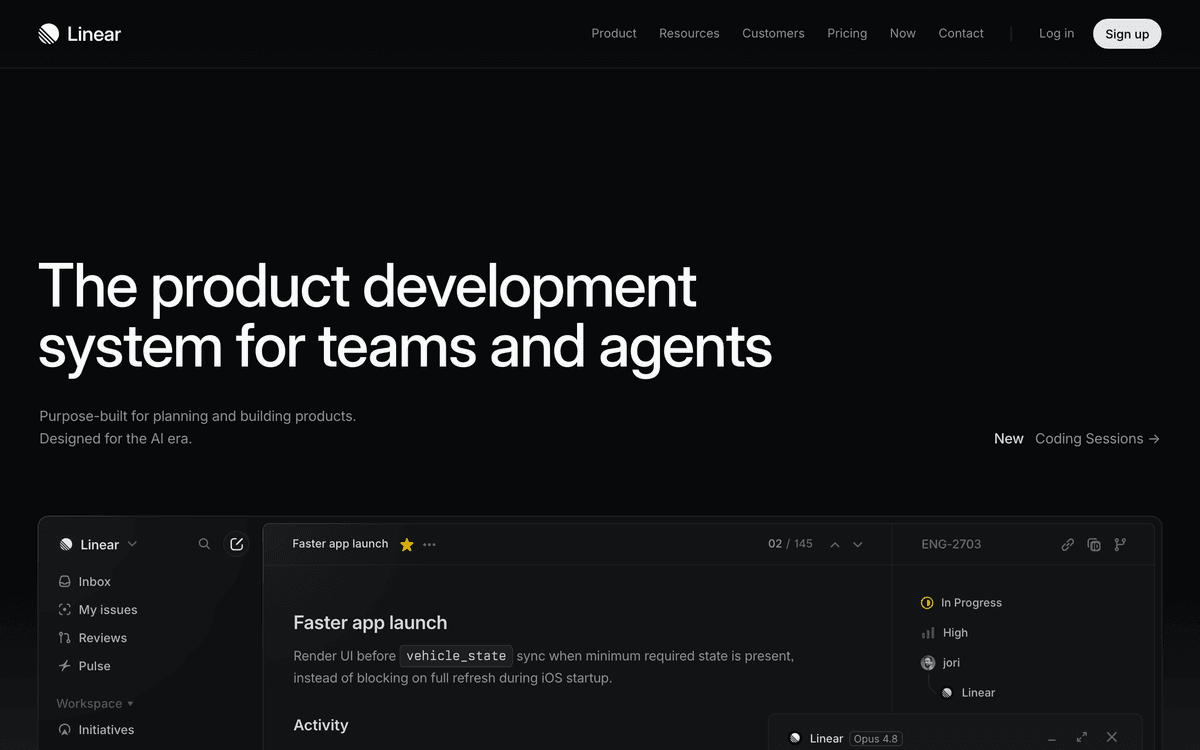
Linear Fast, modern issue tracking loved by engineering teams G2 reviews ↗ | $8/user/month | Product and engineering alignment | 4.8/5 |
Jira Industry standard with extensive customization G2 reviews ↗ | $0-14.50/user/month | Enterprise, complex workflows, Atlassian shops | 4/5 |
Asana Versatile work management for cross-functional teams G2 reviews ↗ | $0-25/user/month | Cross-functional visibility, marketing/ops alignment | 4.4/5 |
Shortcut (formerly Clubhouse) Middle ground between Linear and Jira G2 reviews ↗ | $8.50/user/month | Teams wanting Jira power with better UX | 4.3/5 |
Monday.com Visual work OS with PM-specific features G2 reviews ↗ | $8-16/user/month | Visual teams, non-technical stakeholders | 4.3/5 |
Product Analytics Tools
Data-driven decision making requires solid analytics. These tools help you understand user behavior, measure success, and identify opportunities.
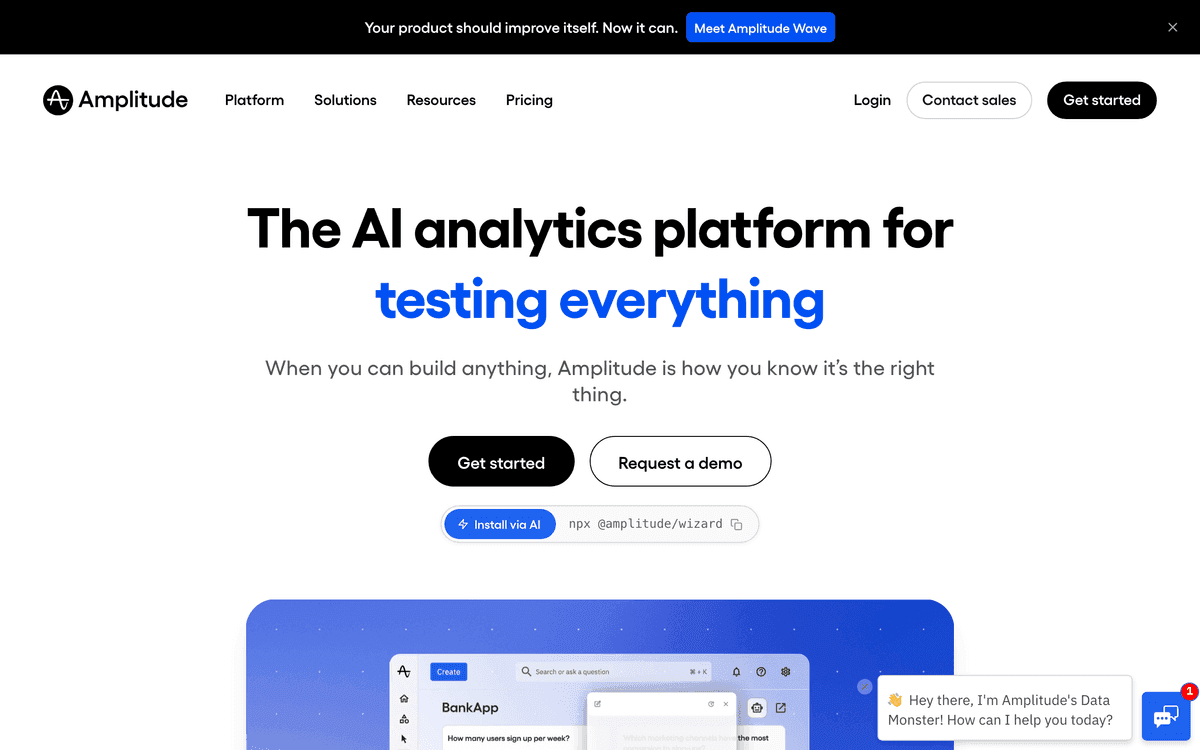
Amplitude
4.6/5Leading product analytics platform
Pricing
Free tier, paid from $49/month
Mixpanel
4.5/5Powerful event-based analytics
Pricing
Free tier, paid from $20/month
PostHog
4.4/5Open-source product analytics suite
Pricing
Free tier, usage-based pricing
Heap
4.3/5Auto-capture everything analytics
Pricing
Contact for pricing
Google Analytics 4
4/5Free web and app analytics
Pricing
Free (GA4 360 enterprise available)
FullStory
4.5/5Digital experience analytics with session replay
Pricing
Contact for pricing
User Research Tools
Research tools help you gather, organize, and synthesize user insights to inform product decisions.
Dovetail
Research repository and analysis platform
UserTesting
On-demand user testing platform
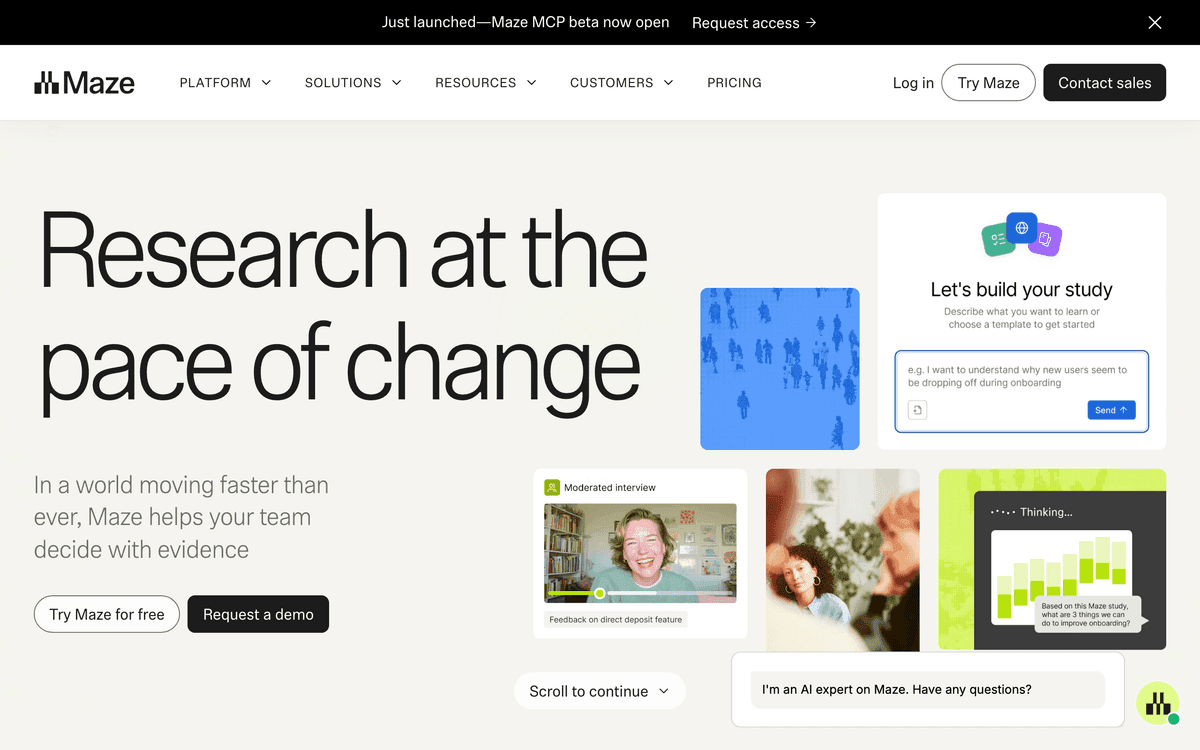
Maze
Continuous product discovery platform
Pricing: Free tier, paid from $75/month
Best for: Prototype testing, unmoderated research
G2 reviews ↗Hotjar
Behavior analytics and feedback
Grain
AI-powered meeting recording and insights
Pricing: Free tier, paid from $19/user/month
Best for: Customer call insights, meeting notes
G2 reviews ↗Canny
Feature request and feedback management
Pricing: Free tier, paid from $79/month
Best for: Public roadmaps, feature voting
Documentation & Collaboration
| Tool | Pricing | Best For | Strengths |
|---|---|---|---|
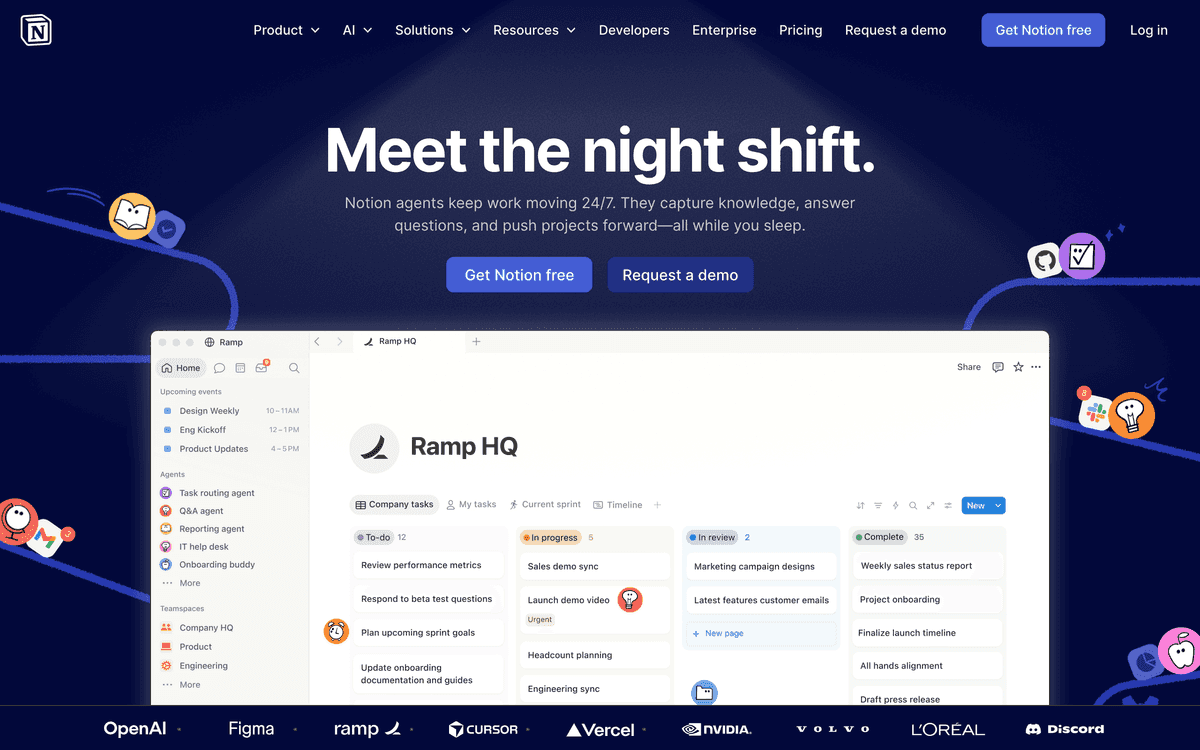
| NotionG2 reviews ↗ | $8-15/user/month | Startups, all-in-one workspace | Flexible, great templates, databases |
| ConfluenceG2 reviews ↗ | $0-11/user/month | Atlassian shops, enterprise | Jira integration, mature, searchable |
| CodaG2 reviews ↗ | $10-30/doc maker/month | Interactive documents, data-driven docs | Powerful tables, automations, packs |
| SliteG2 reviews ↗ | $8-12.50/user/month | Team knowledge bases | Clean, organized, AI features |
| GitBookG2 reviews ↗ | Free tier, $6.70+/user/month | Technical documentation | Developer-friendly, versioning |
| Google DocsG2 reviews ↗ | Free or $12/user/month (Workspace) | Universal compatibility, real-time collab | Everyone knows it, commenting |
Design Collaboration Tools
Figma
The industry standard for product design
Figma has become the default design tool for most product teams. As a PM, you should be comfortable navigating Figma files, leaving comments, and understanding the design process even if you're not creating designs yourself.
Key Features for PMs
- • Commenting and feedback on designs
- • Dev mode for specs and assets
- • Prototypes for stakeholder demos
- • FigJam for collaborative workshops
Pricing
- • Free for individuals
- • Professional: $15/editor/month
- • Organization: $45/editor/month
- • Viewers always free
AI Tools for PMs
AI tools are increasingly valuable for PM workflows, from writing to research synthesis. Here are the most useful tools and how to apply them:
ChatGPT / Claude
G2 reviews ↗Writing assistance, research, analysis
Example Uses:
Tips:
Use specific prompts, provide context, iterate on outputs
Gamma
G2 reviews ↗AI-generated presentations
Example Uses:
Tips:
Great for first drafts, always refine with your voice
Otter.ai
G2 reviews ↗Meeting transcription and notes
Example Uses:
Tips:
Review transcripts for accuracy, use action item detection
Jasper
G2 reviews ↗Marketing and product copy
Example Uses:
Tips:
Good for generating options, needs brand voice calibration
GitHub Copilot
G2 reviews ↗Code understanding for PMs
Example Uses:
Tips:
Helpful for technical PMs reviewing code
Recommended Tool Stacks
Tool needs vary by company stage. Here are recommended stacks for different contexts:
Early Startup (1-20 people)
$50-200/monthProject Management
Linear or Notion
Analytics
Amplitude (free tier) or PostHog
Documentation
Notion
Research
Hotjar + manual interviews
Design
Figma
Communication
Slack
Growth Stage (20-200 people)
$500-2,000/monthRoadmapping
Productboard or Linear
Project Management
Linear or Jira
Analytics
Amplitude or Mixpanel
Documentation
Notion or Confluence
Research
Maze + Dovetail
Design
Figma
Enterprise (200+ people)
$5,000+/monthRoadmapping
Aha! or Productboard Enterprise
Project Management
Jira with advanced config
Analytics
Amplitude + Looker/Tableau
Documentation
Confluence
Research
UserTesting + Dovetail
Design
Figma Enterprise
How to Choose: A PM Tool Decision Framework
Use this framework to narrow your tool selection based on your team's specific context:
What is your team size?
1–5 PMs (Startup)
Linear + Notion + Amplitude. Keep it simple — avoid enterprise tools that require dedicated admin.
6–25 PMs (Growth)
Productboard or Aha! + Jira + Amplitude + Dovetail. Structure starts to matter at this scale.
25+ PMs (Enterprise)
Jira + Productboard or Aha! + Mixpanel/Amplitude + Dovetail + enterprise contract. Standardize on a stack.
What is your biggest bottleneck?
Roadmap alignment
→ Productboard, Aha!, or Roadmunk
Shipping velocity
→ Linear or Jira with good sprint hygiene
Understanding users
→ Dovetail, Maze, or UserTesting
Measuring outcomes
→ Amplitude, Mixpanel, or PostHog
PM Tool Use-Case Cheat Sheet
Match your specific use case to the best tool for the job:
| If you need to... | Use this tool | Why |
|---|---|---|
| Write and share a PRD | Notion or Confluence | Rich editing, comments, version history, team visibility |
| Prioritize a backlog | Productboard or Aha! | Structured scoring, customer feedback linkage, roadmap view |
| Run a sprint | Linear or Jira | Sprint boards, velocity tracking, team assignment |
| Analyze user behavior | Amplitude or Mixpanel | Event tracking, funnel analysis, cohort retention |
| Synthesize user interviews | Dovetail | AI tagging, theme clustering, insight sharing |
| Create wireframes or prototypes | Figma | Industry-standard, real-time collaboration, dev handoff |
| Write a PRD with AI assistance | ChatPRD or Notion AI | AI drafts, sections auto-generated from prompts, 60% faster |
| Run A/B experiments | LaunchDarkly or Statsig | Feature flags + experimentation platform in one |
| Gather customer feedback at scale | Pendo or Sprig | In-app surveys, NPS, behavioral triggers |
| Build a visual product roadmap | Roadmunk or Productboard | Stakeholder-ready timeline views with swimlanes |
Related Resources
Frequently Asked Questions
What tools do product managers use most?
The most commonly used PM tools are: 1) Project management (Jira, Linear, Asana), 2) Documentation (Notion, Confluence), 3) Analytics (Amplitude, Mixpanel, Google Analytics), 4) Design collaboration (Figma), 5) Communication (Slack). Most PMs use 8-15 tools regularly. The specific stack depends on company stage, team preferences, and product type.
What is the best roadmapping tool?
There is no single best—it depends on your needs. Productboard excels at customer feedback integration. Aha! is powerful for enterprise with complex portfolios. Linear is favored by engineering-centric teams. Notion or Coda work well for lightweight, flexible roadmaps. Many teams use simple Google Sheets or Slides for executive communication.
Do I need specialized PM tools or can I use general tools?
You can absolutely start with general tools (Notion, Google Sheets, Trello). Specialized tools become valuable as: team size grows (need better collaboration), processes mature (need more structure), stakeholder needs increase (need better visualization), and data volume grows (need better analytics). Start simple, add specialized tools when pain points emerge.
How much should a company spend on PM tools?
Budget varies widely. Startups might spend $50-200/month total. Mid-size companies typically spend $200-1,000/month on PM-specific tools. Enterprise can spend $5,000+/month. Focus on tools that save time or enable decisions you could not make otherwise. Free tiers and trials let you test before committing.
Is Jira or Linear better for product teams?
Linear is generally preferred by modern product teams for its speed, UX, and product-thinking orientation. Jira is more powerful for enterprise, compliance requirements, and teams with complex workflows. Linear is better for startups and teams that value simplicity. Jira is better when you need extensive customization or integration with Atlassian ecosystem.
What analytics tools should PMs learn?
Essential analytics tools: Amplitude or Mixpanel for product analytics, Google Analytics for web traffic, SQL for data warehouse querying. Also valuable: Looker or Tableau for dashboards, FullStory or Hotjar for session replay, and Excel/Sheets for ad-hoc analysis. Most PMs should be comfortable with at least one dedicated product analytics platform.
Are AI PM tools worth using?
AI tools are increasingly useful for: writing assistance (ChatGPT, Claude for PRDs and communications), research synthesis (summarizing user interviews), data analysis (natural language querying), and competitive intelligence. They work best as accelerators, not replacements. The best PMs learn to leverage AI for efficiency while maintaining critical thinking.
How do I choose tools for my team?
Consider: 1) Team size and growth trajectory, 2) Integration with existing stack, 3) Learning curve vs. power, 4) Budget constraints, 5) Security and compliance needs, 6) Vendor stability. Trial multiple options with your actual workflows before deciding. Involve the team in evaluation—adoption matters as much as features.
Watch: PM Career Insights
About the Author

Aditi Chaturvedi
·Founder, Best PM JobsAditi is the founder of Best PM Jobs, helping product managers find their dream roles at top tech companies. With experience in product management and recruiting, she creates resources to help PMs level up their careers.